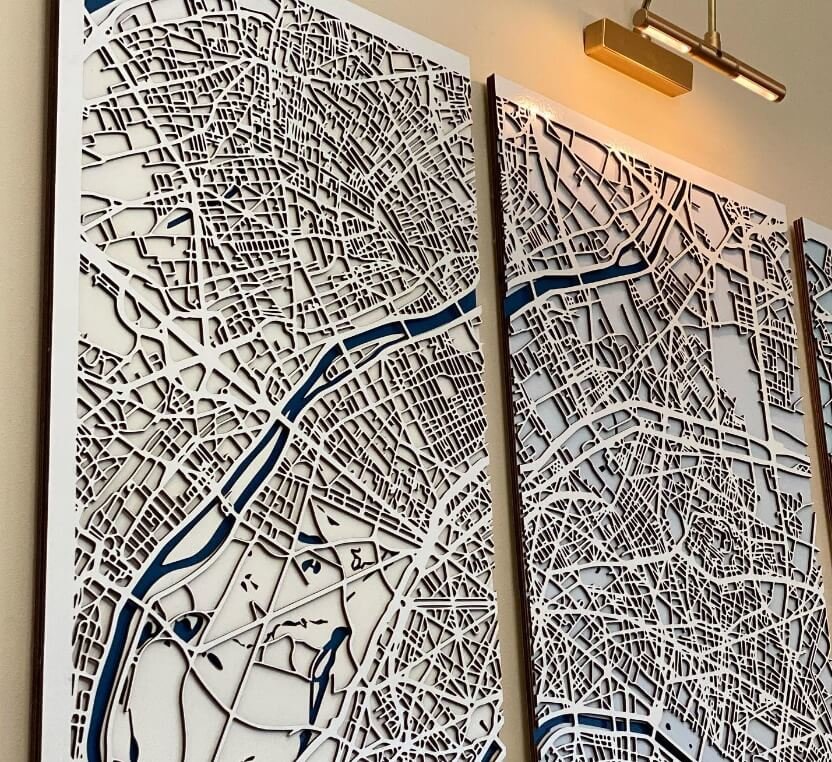
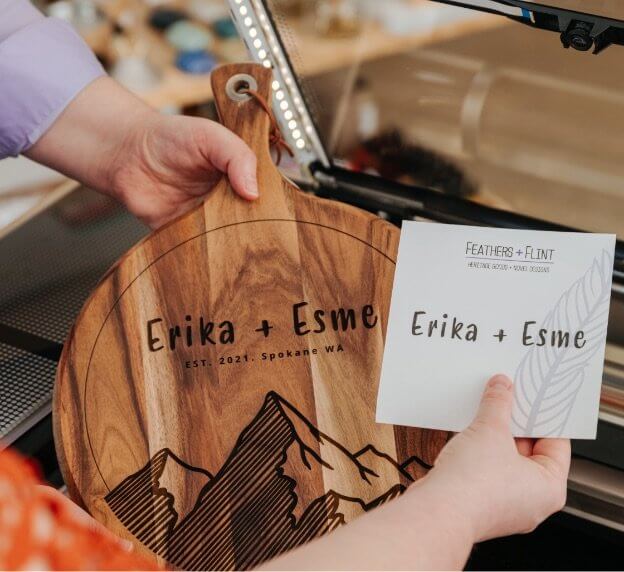
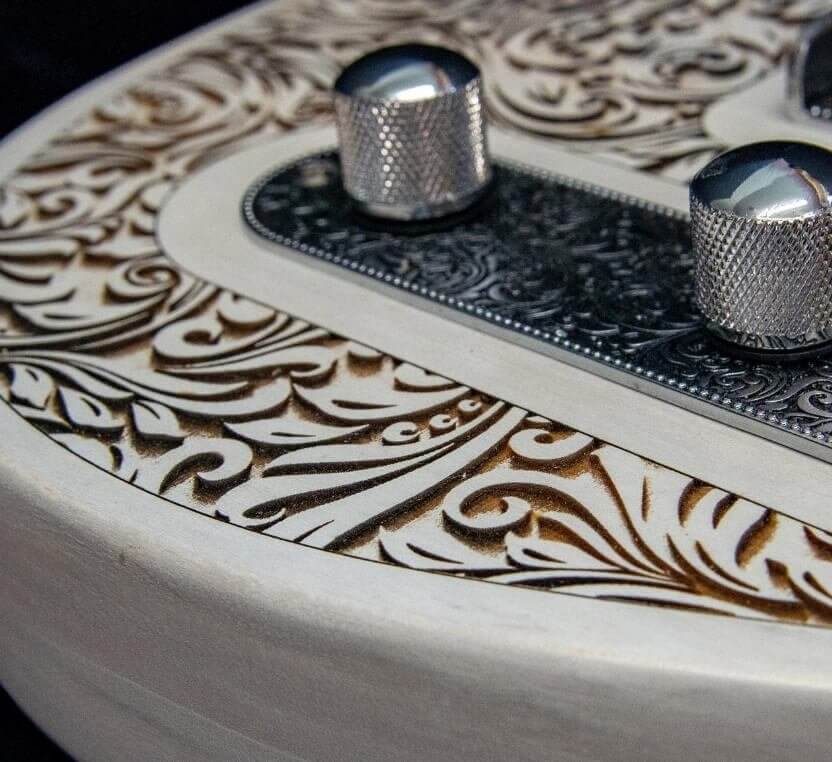
upper banner
Upper banner link ➔
If you can dream it, you can make it.
Glowforge’s powerful laser precisely cuts, engraves, and scores hundreds of different materials so you can make magical things.
Glowforge
3D Laser Printer
Glowforge’s powerful desktop laser cuts, engraves, & scores hundreds of materials.

Introducing Magic Canvas
Type in your idea, choose an art style, and generate custom images for your projects!
Save up to $400 on the best Glowforge essentials.
Additional discount now available! Choose from 3 incredible offers.
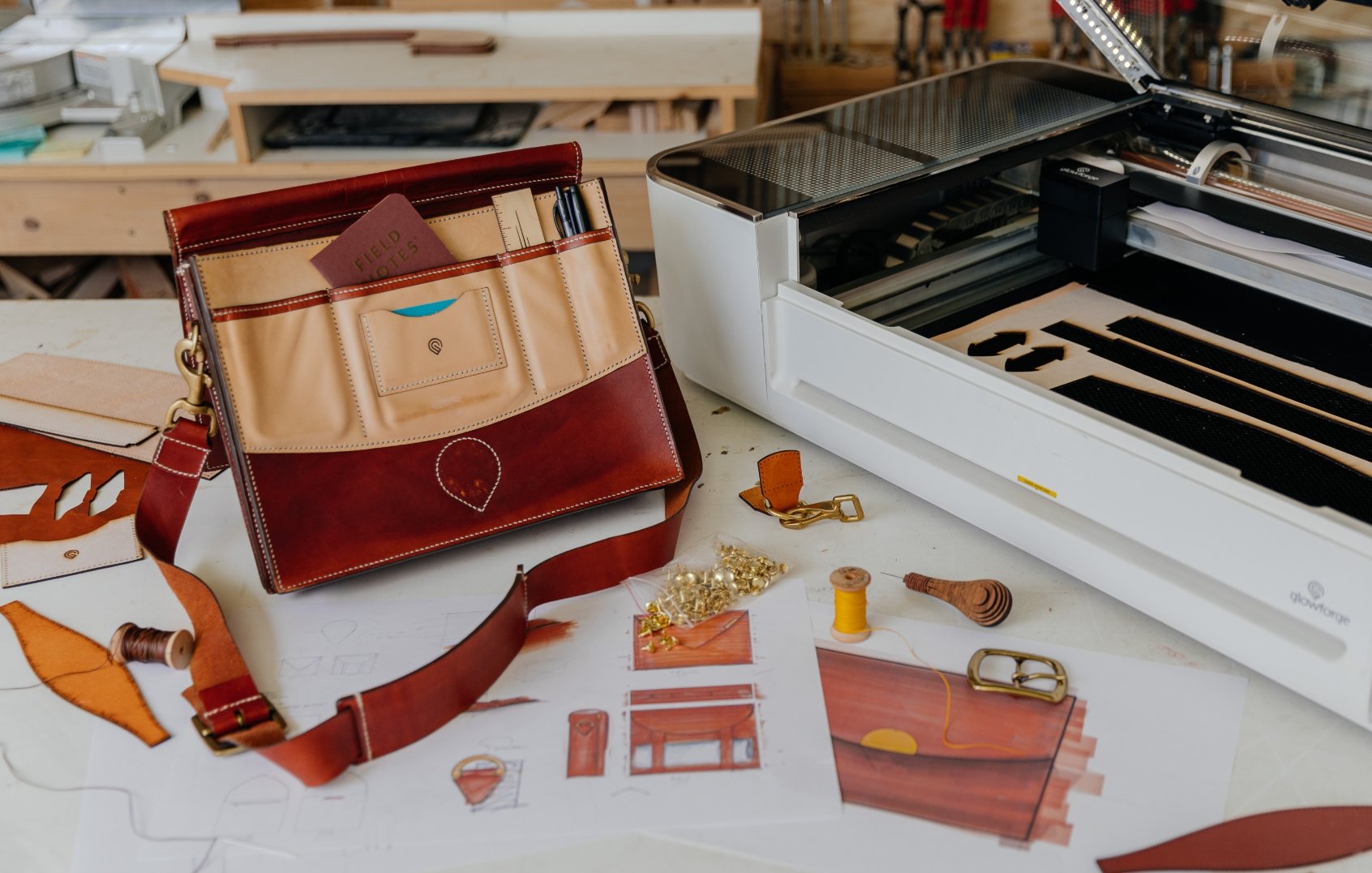
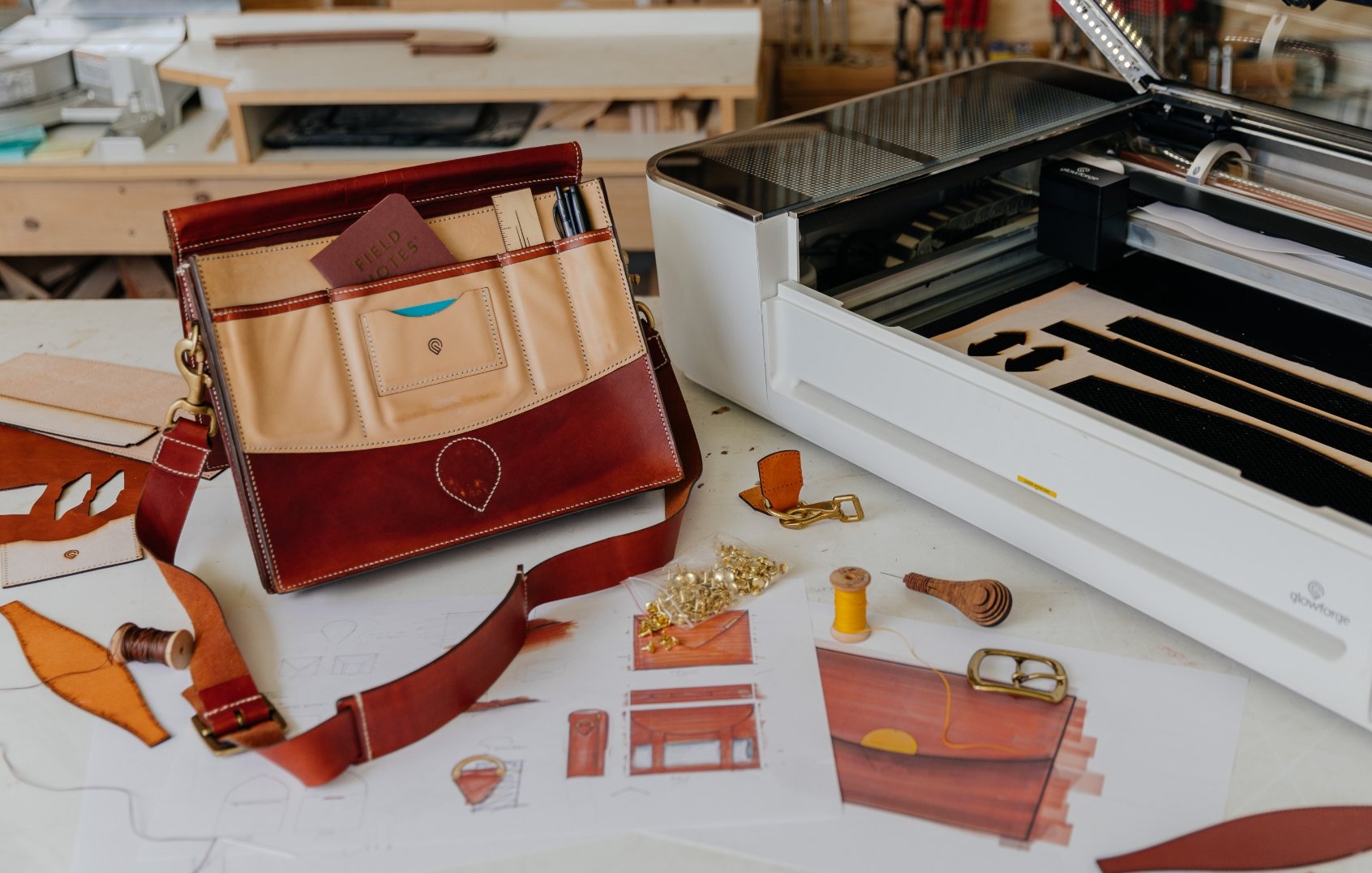
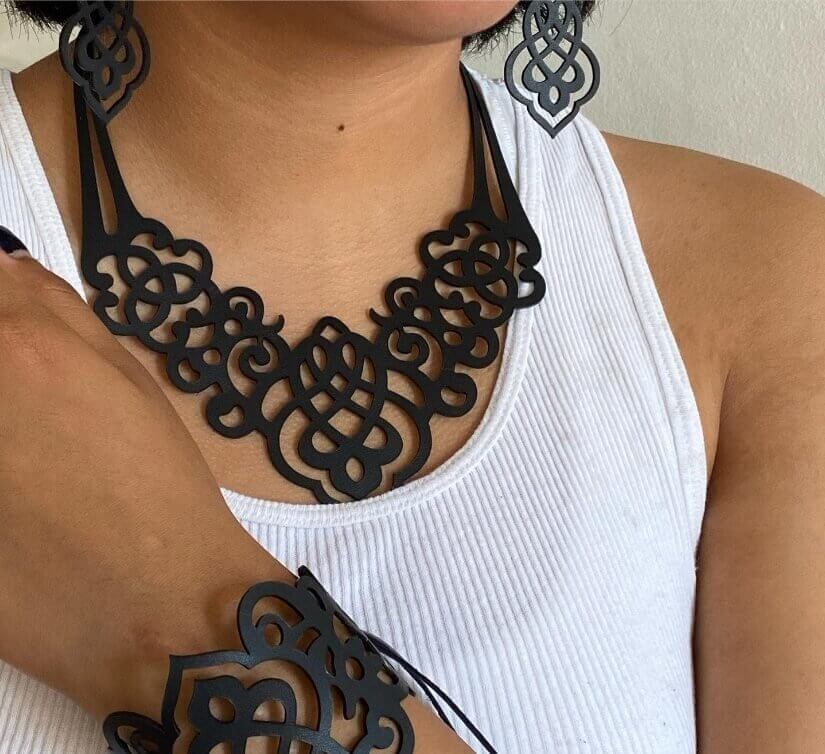
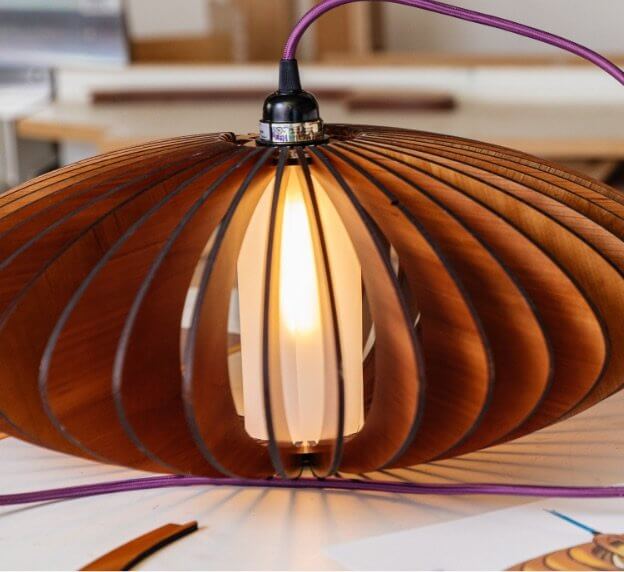
What will you create with Glowforge?
Swipe to see more ⭤


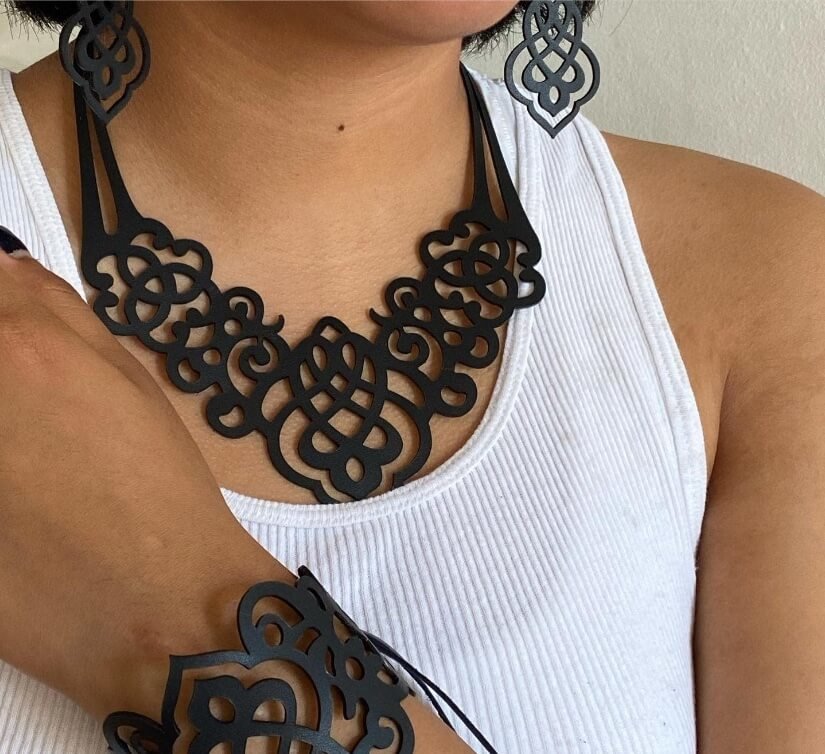
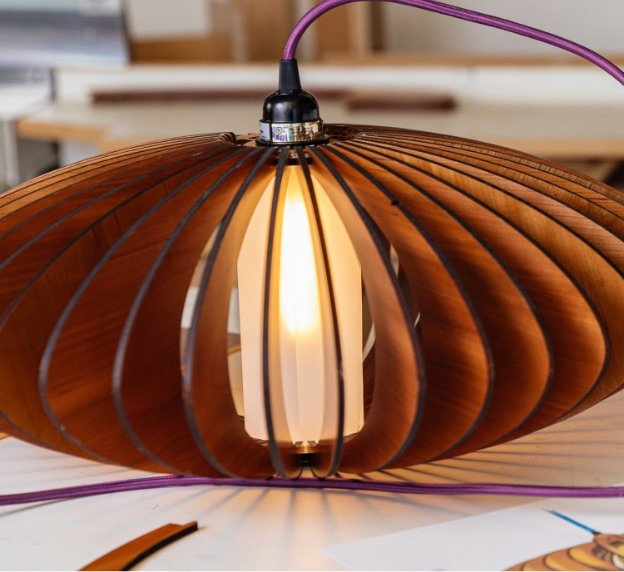
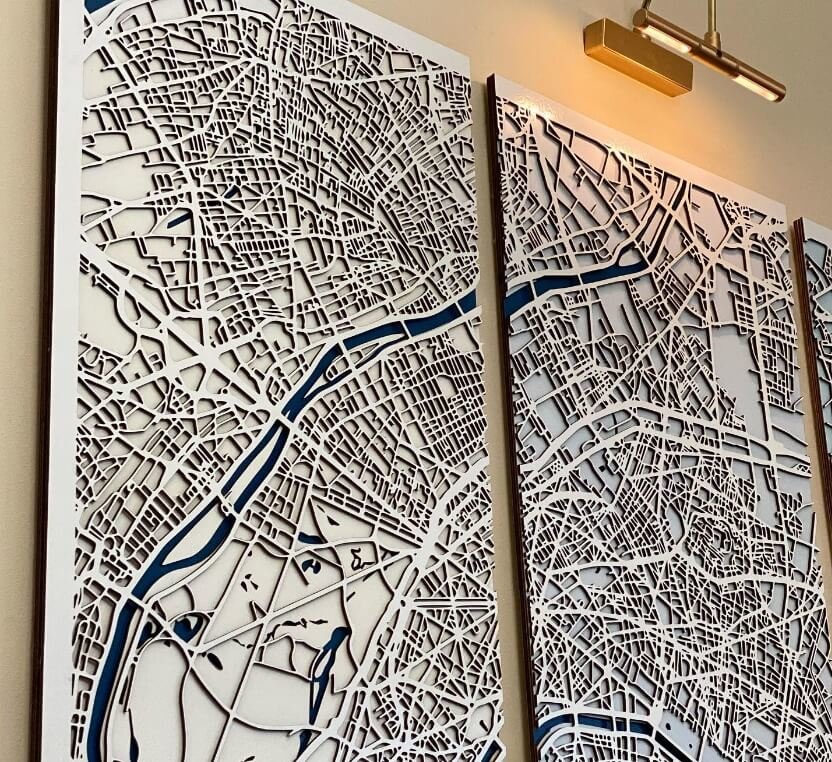
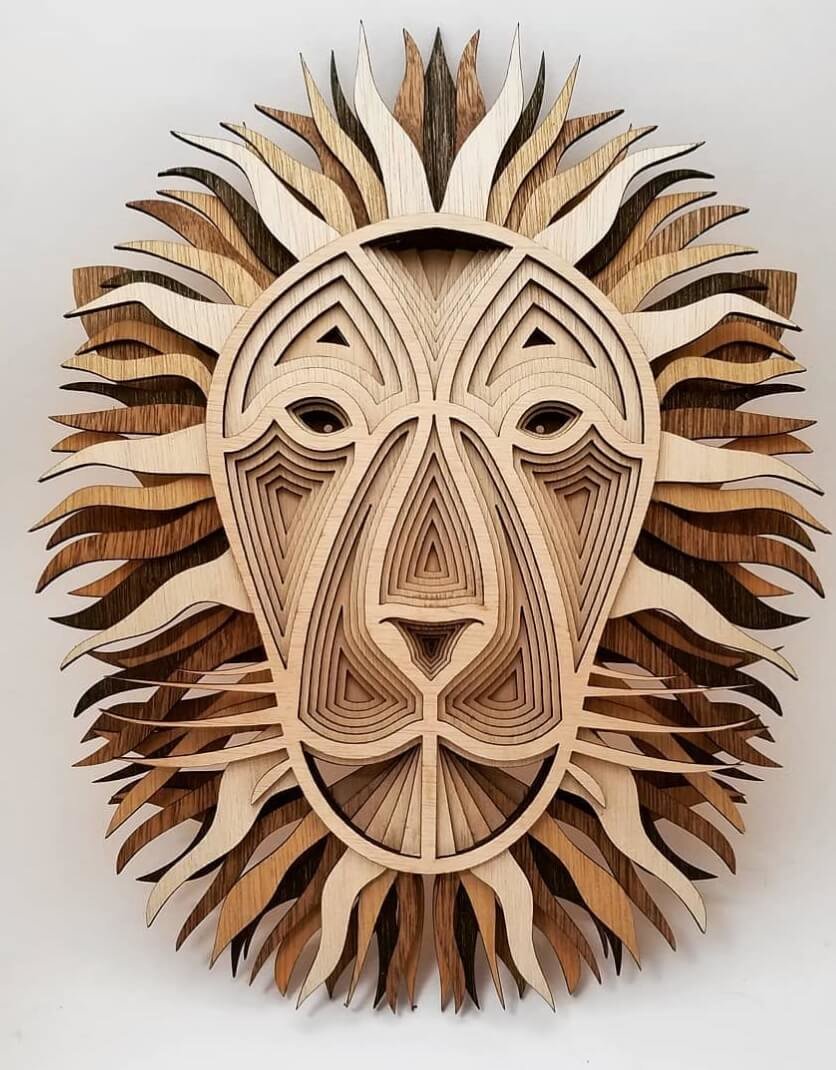

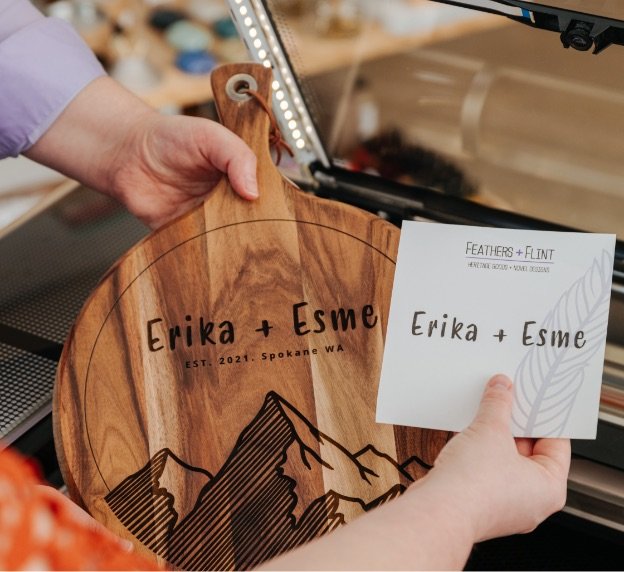
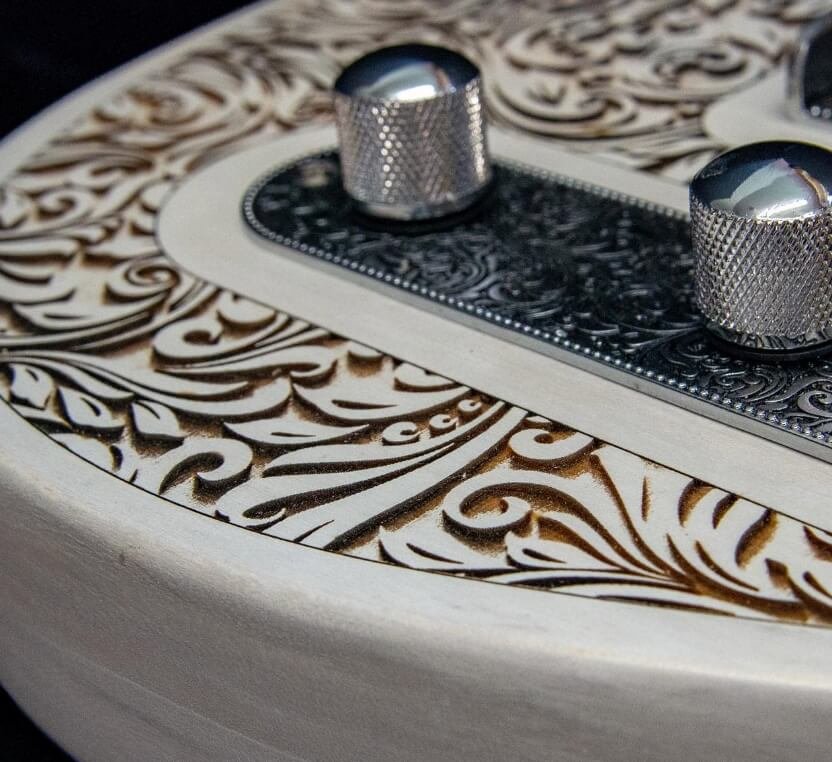
Bring your ideas to life.
Watch the magic happen.
Customize your prints.
Create with hundreds of materials.
Swipe to see more ⟷
Let's make something together.
Schedule a free virtual demo with a Glowforge Expert & experience the magic of Glowforge in real time.
Schedule a demo


Introducing

Glowforge Spark
™
The laser for everyone

Last chance to get up to $1000 off!
Order today and get millions of free designs, fonts, and projects, and a $250 Proofgrade gift card.*
Preorder for $599*Available with purchase of Glowforge Pro and Plus
Made for making
Made for making
Glowforge's powerful lasers precisely cut, engrave, and score hundreds of different materials.
Glowforge's powerful lasers precisely cut, engrave, and score hundreds of different materials.
For the crafter

Beautiful, portable, and personal: take your crafting to the next level. Create millions of designs from hundreds of materials.
Buy nowLearn moreFor the creator

Bring your vision to life with amazing speed and precision. Create bigger projects, faster.
Buy nowLearn moreFor the maker going pro

Create all day long with our fastest, most powerful laser. Print infinitely long projects for your classroom or business with the Passthrough slot.
Buy nowLearn more
Our first ever trade-in program is here.
This holiday only, get a $200 gift card when you buy your Glowforge Aura and trade in your old craft machine.
See if you qualifyOur first ever trade-in program is here.
This holiday only, get a $200 gift card when you buy your Glowforge Aura and trade in your old craft machine.
See if you qualify
Project Print-A-Toy
Brighten a child's holiday season with free toy and puzzle designs you can print and donate today!
Start spreading the joyProject Print-A-Toy
Project Print-A-Toy
Brighten a child's holiday season with free toy and puzzle designs you can print and donate today!
Start spreading the joyWhat magic will you create with Glowforge?
What magic will you create with Glowforge?
What will you create with Glowforge?
Swipe to see more ⭤
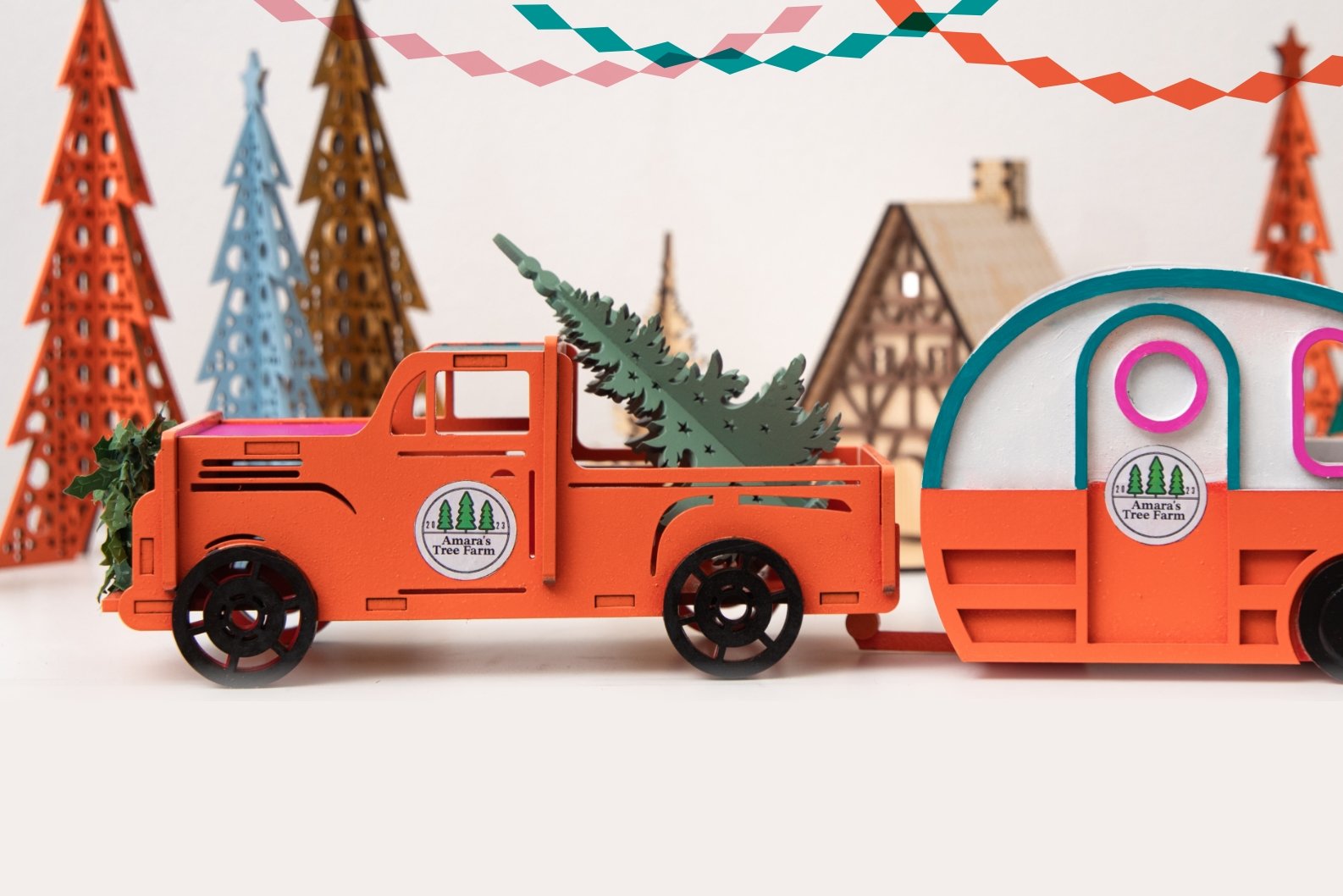
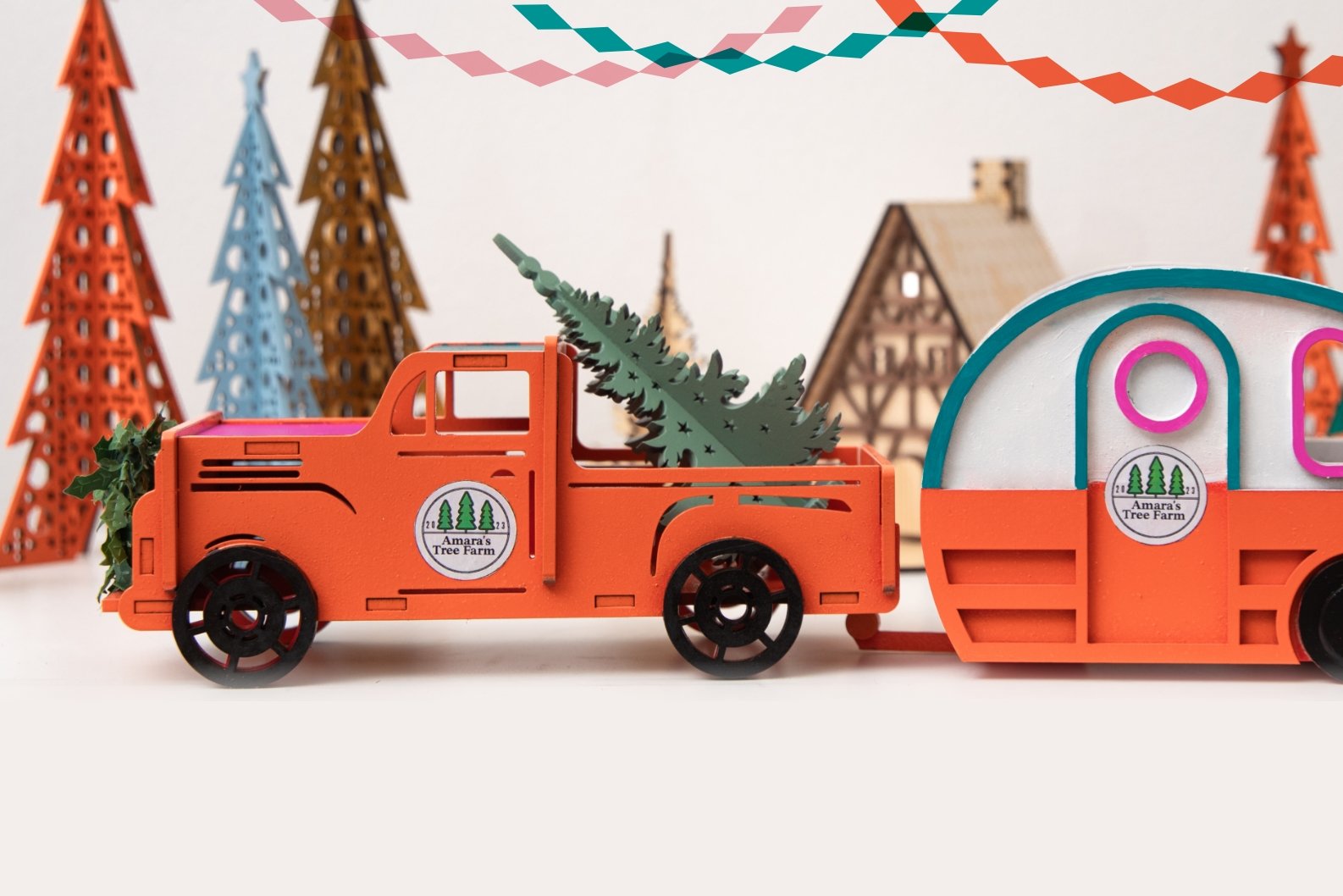
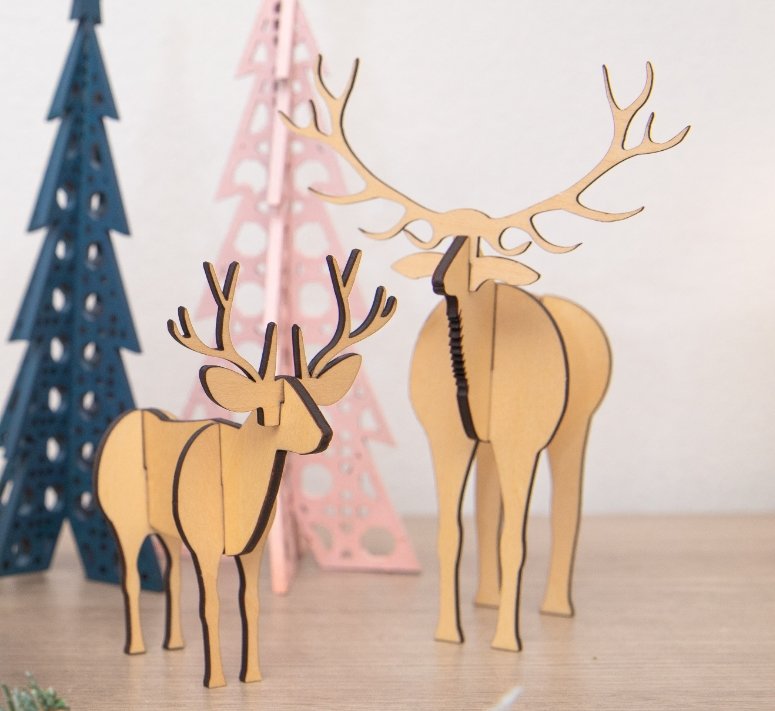
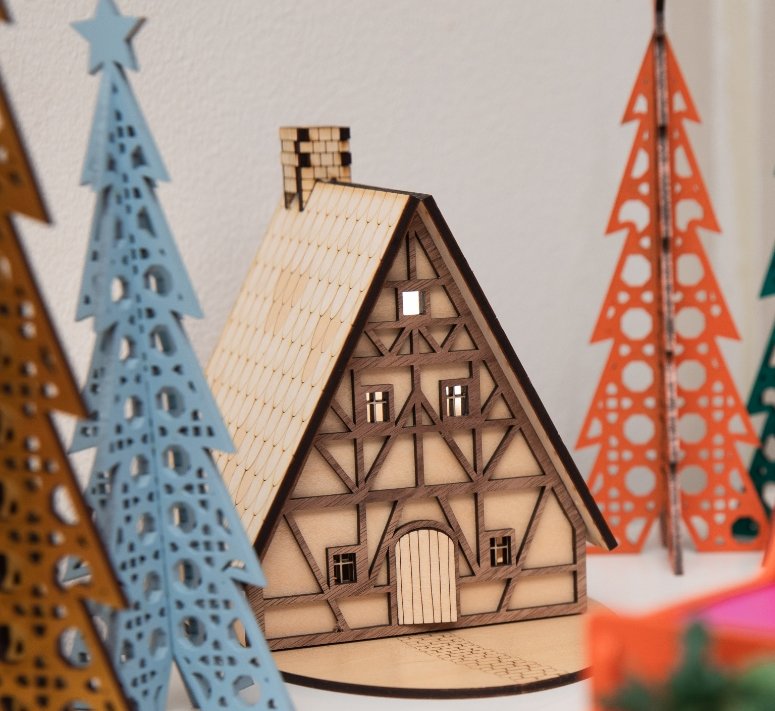

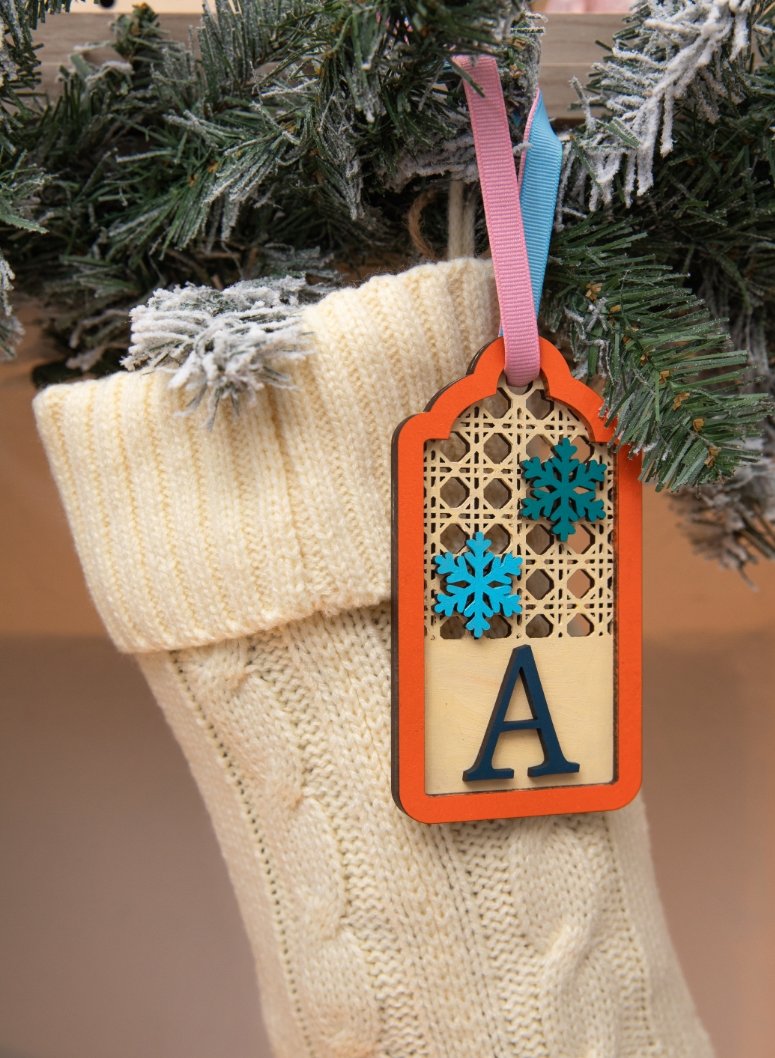
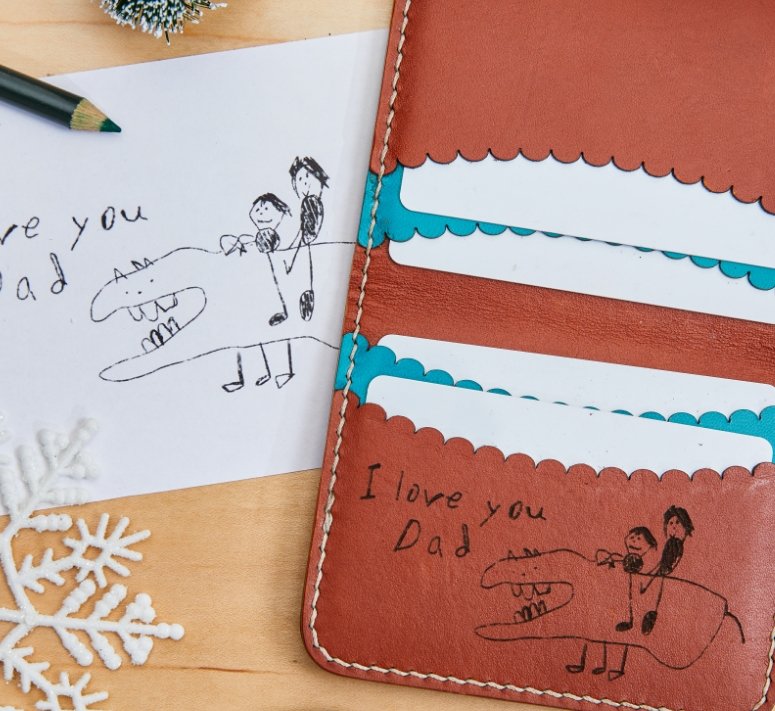
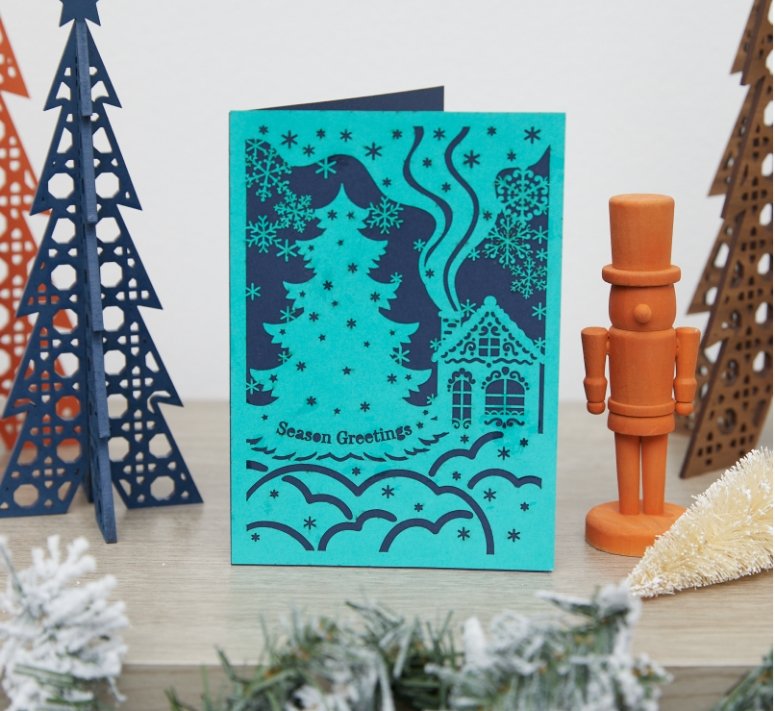
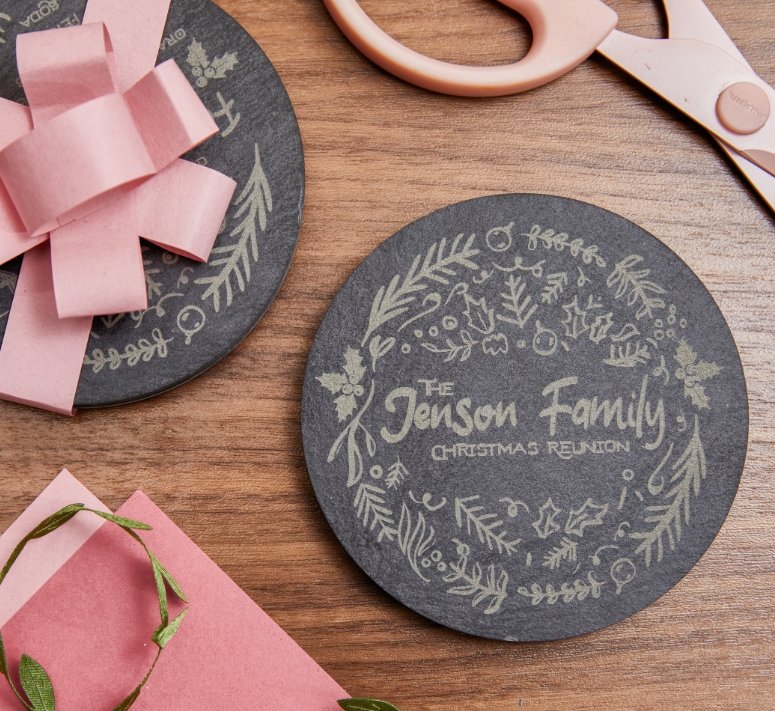
What will you create with Glowforge?
What will you create with Glowforge?
Swipe to see more ⭤
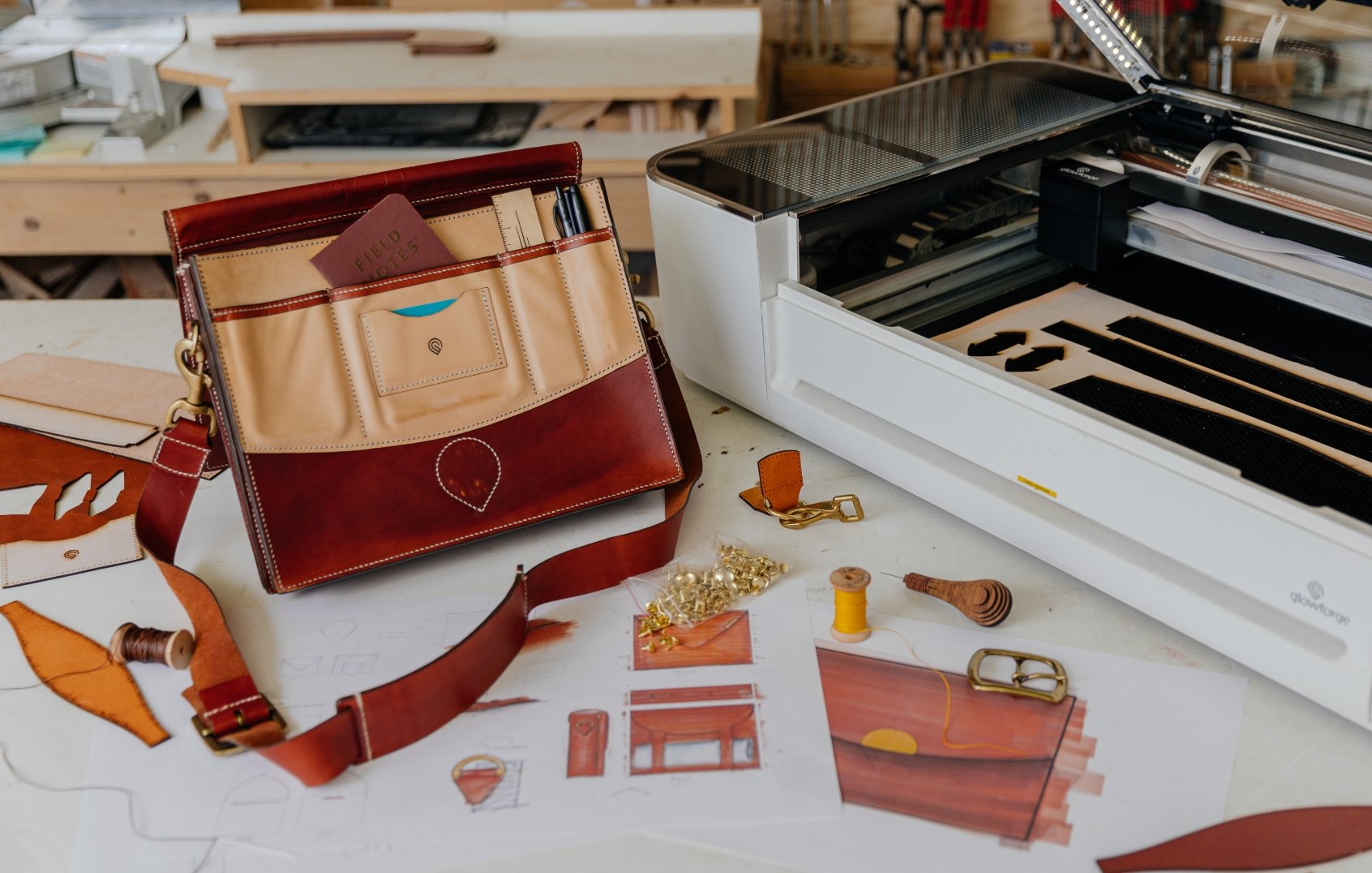
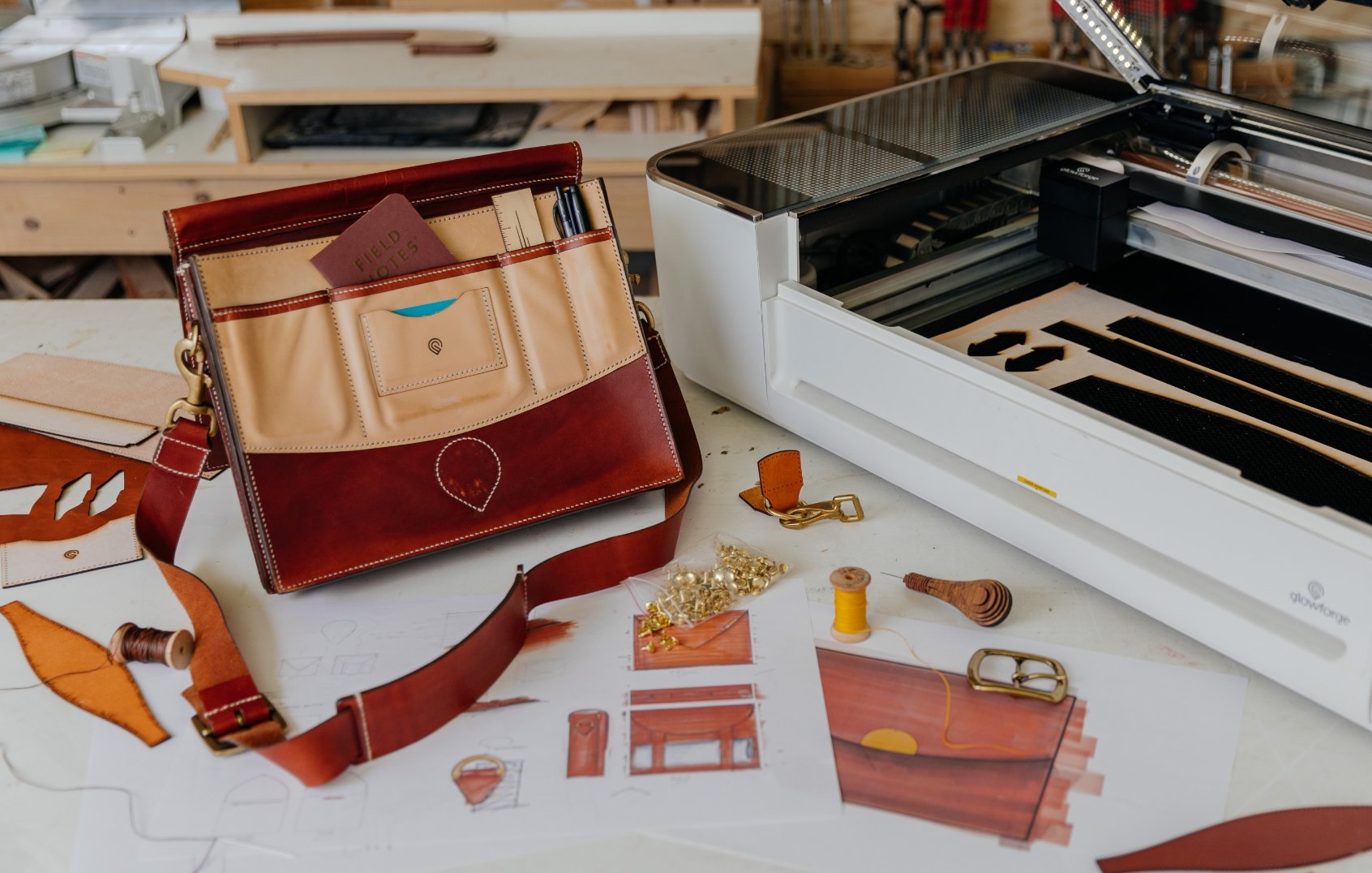

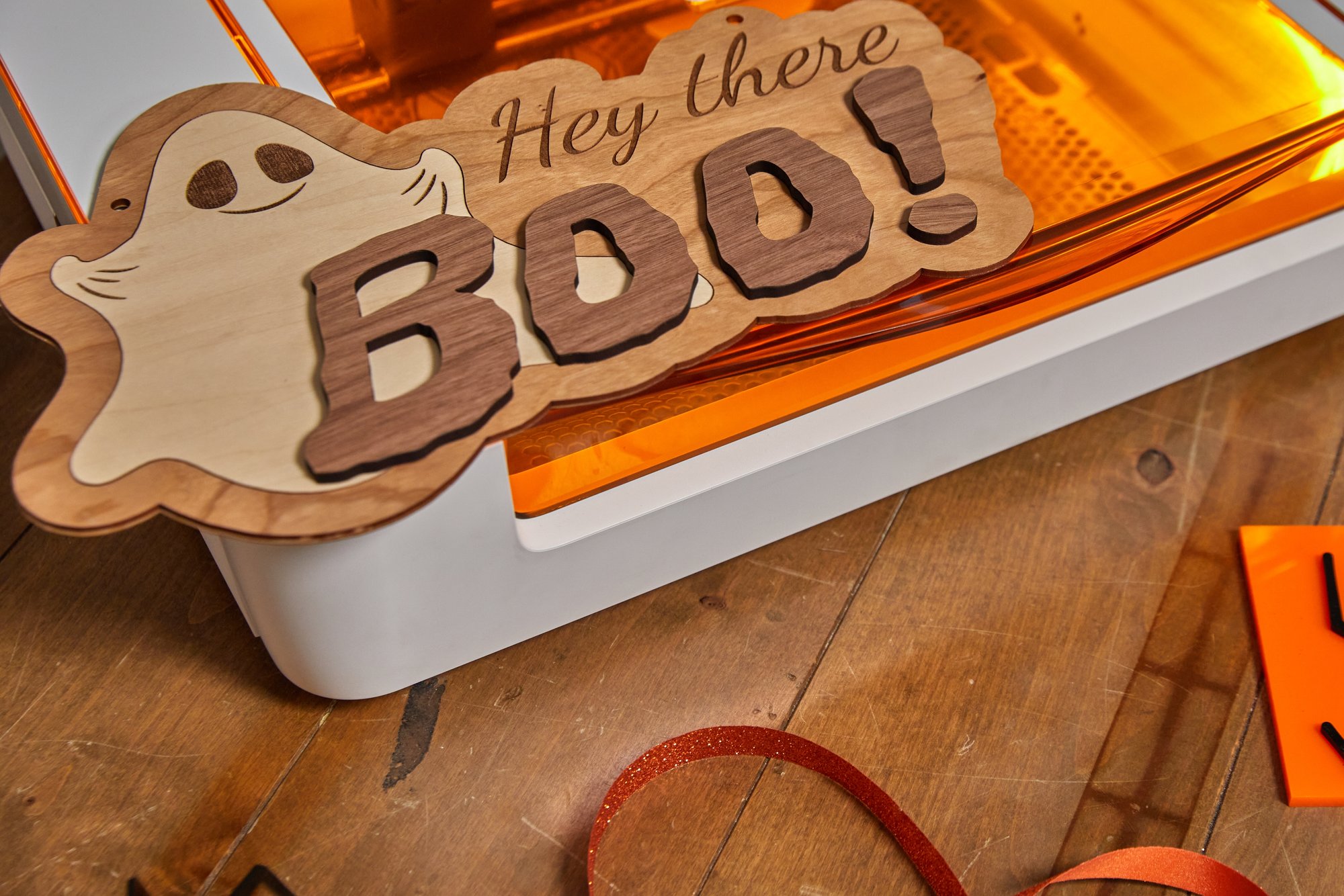
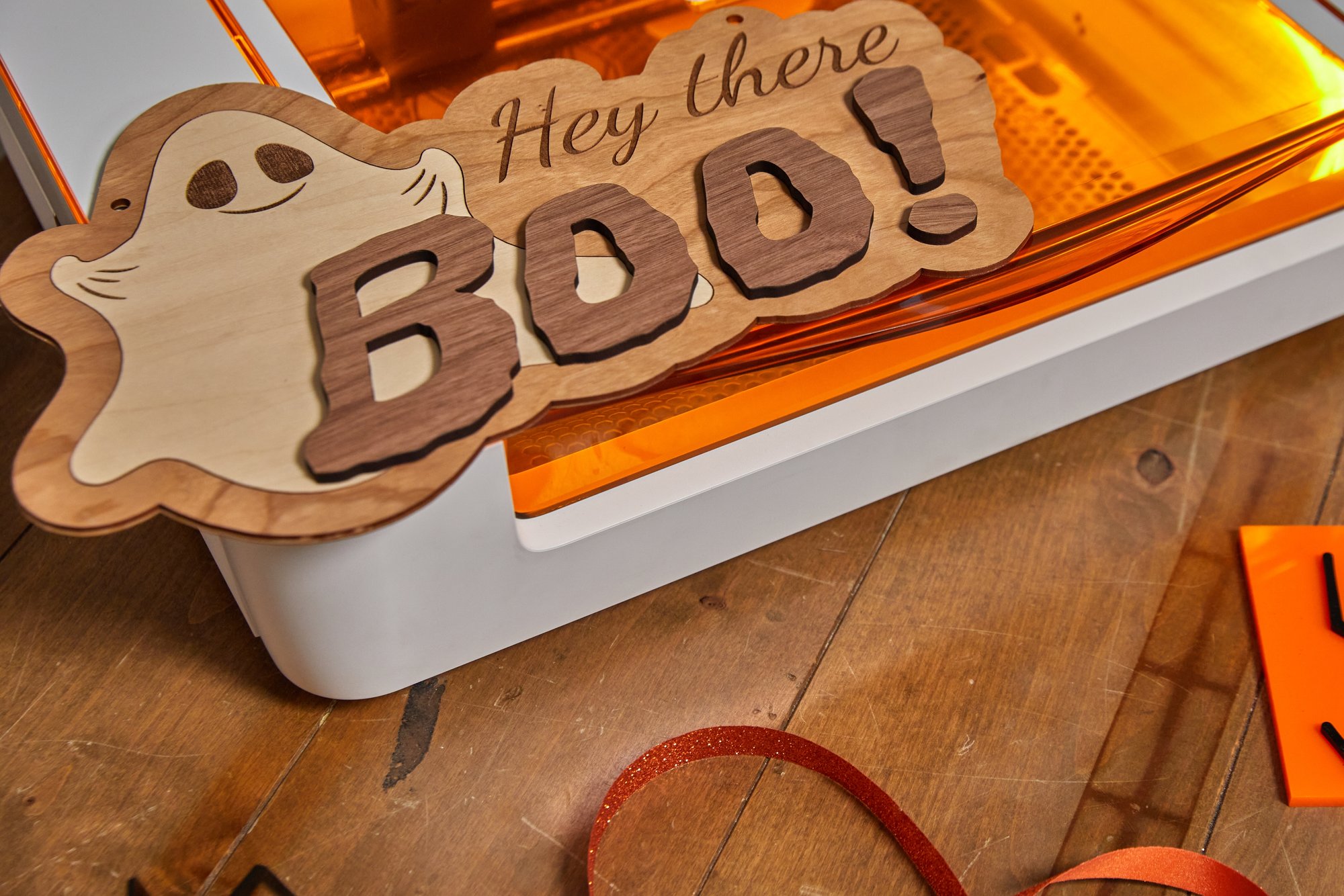
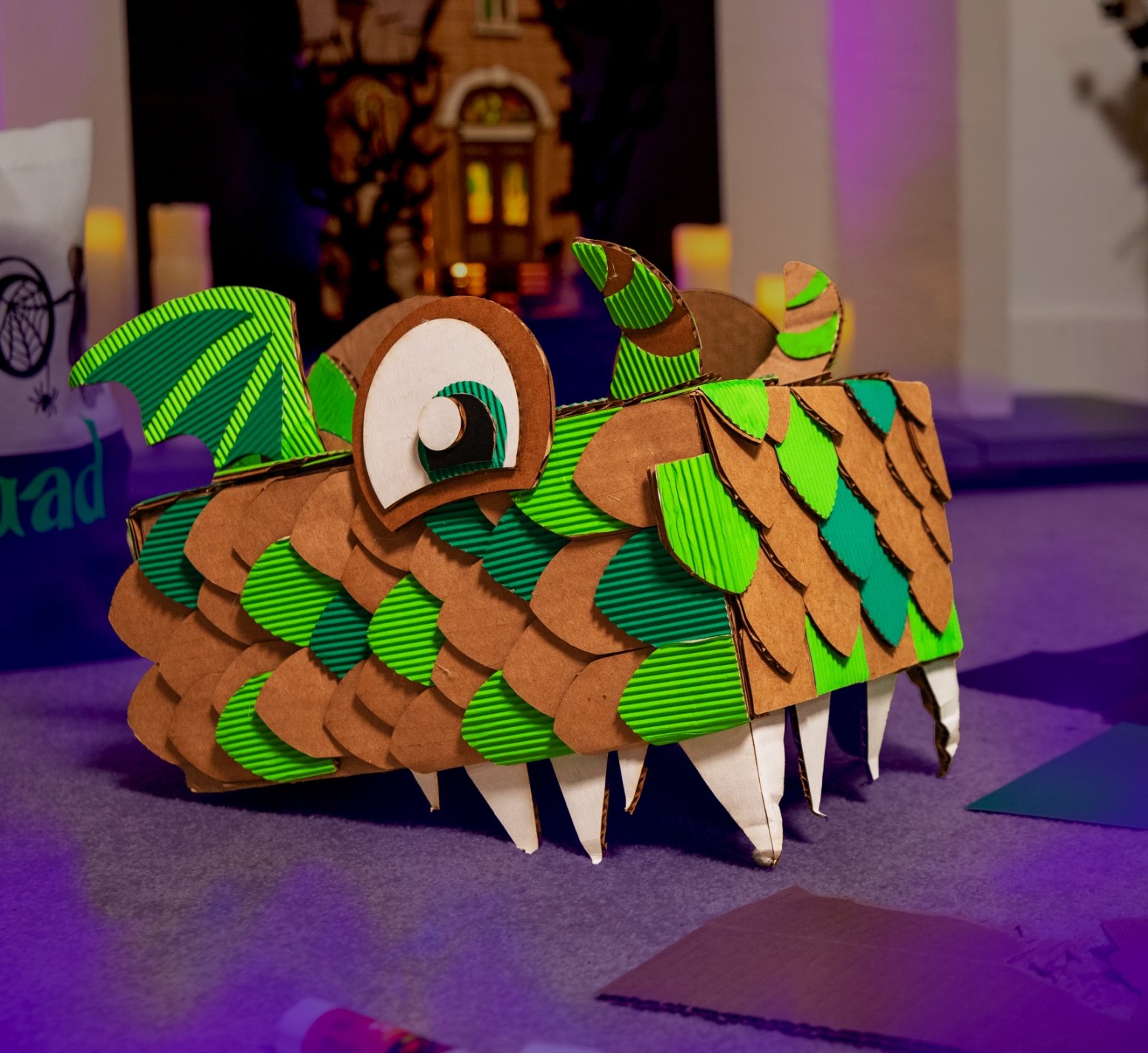
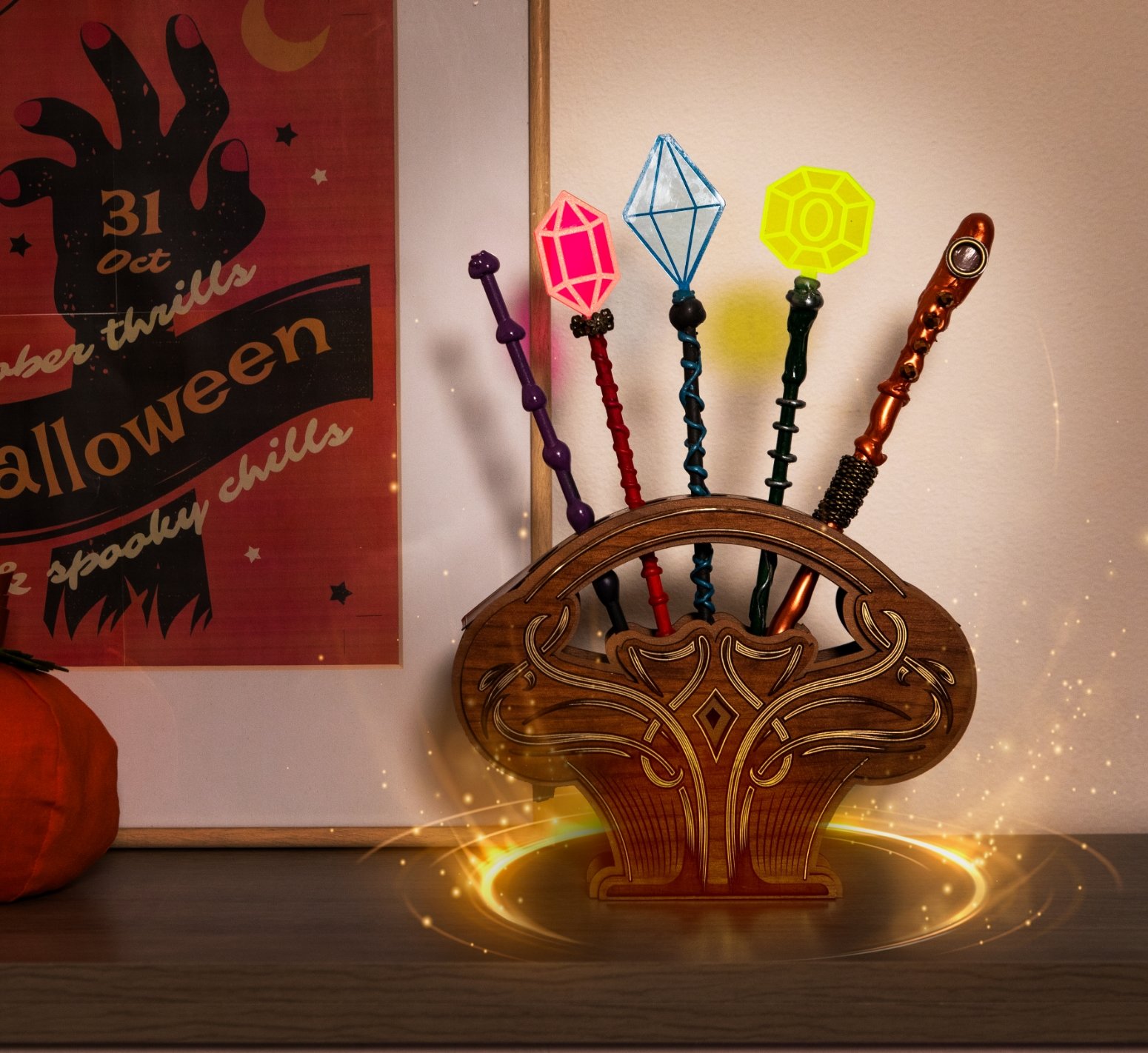
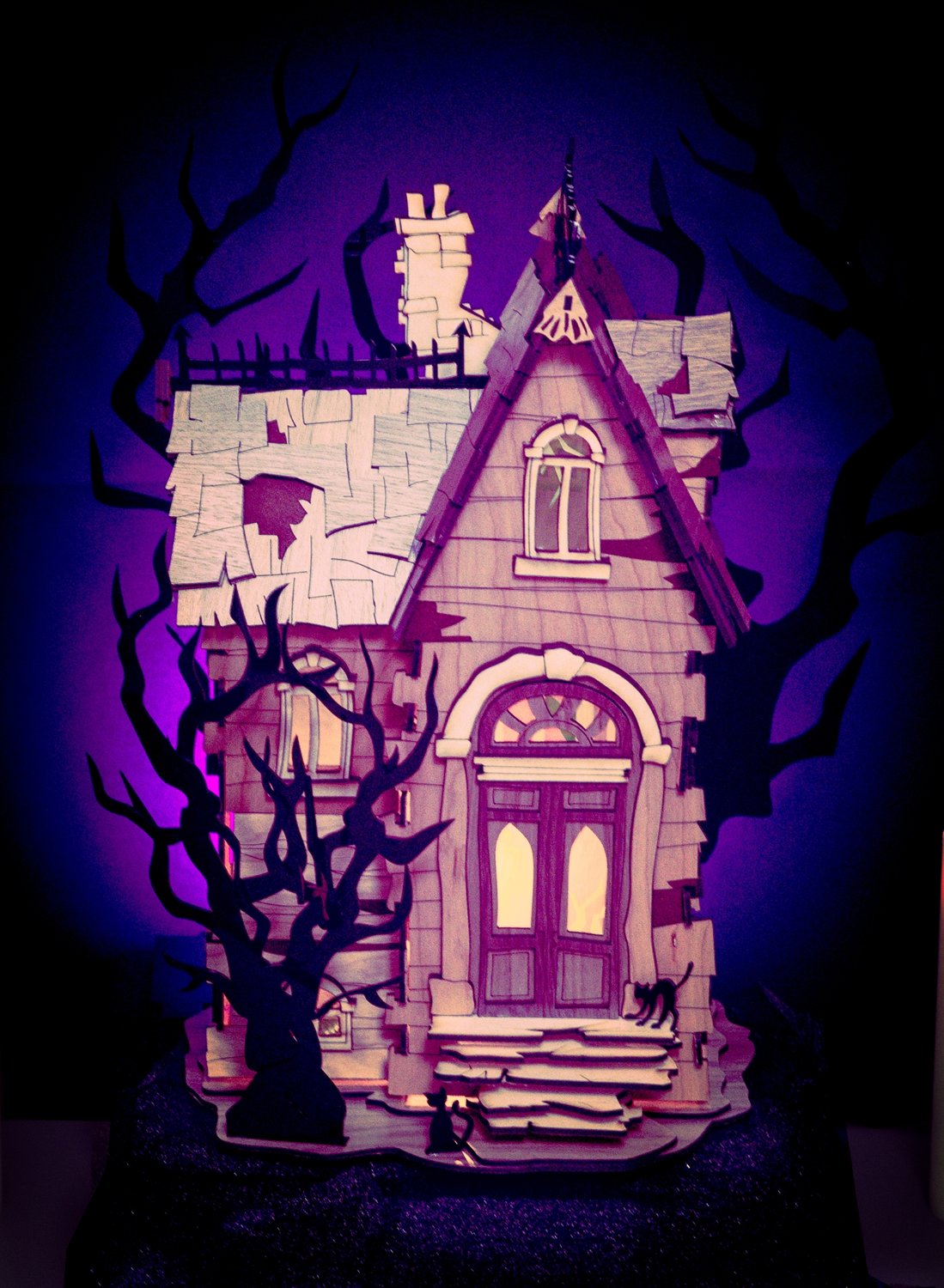
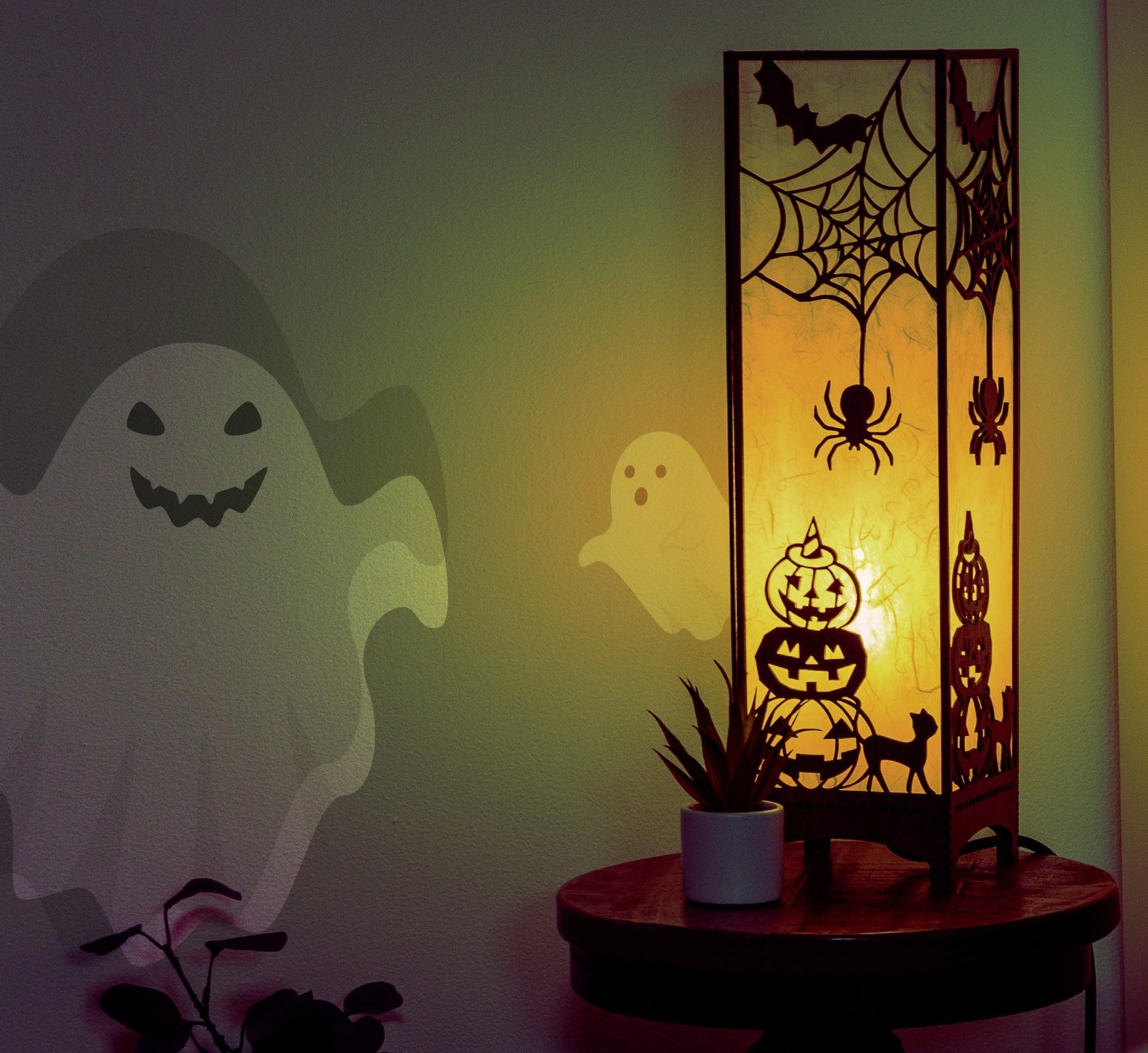
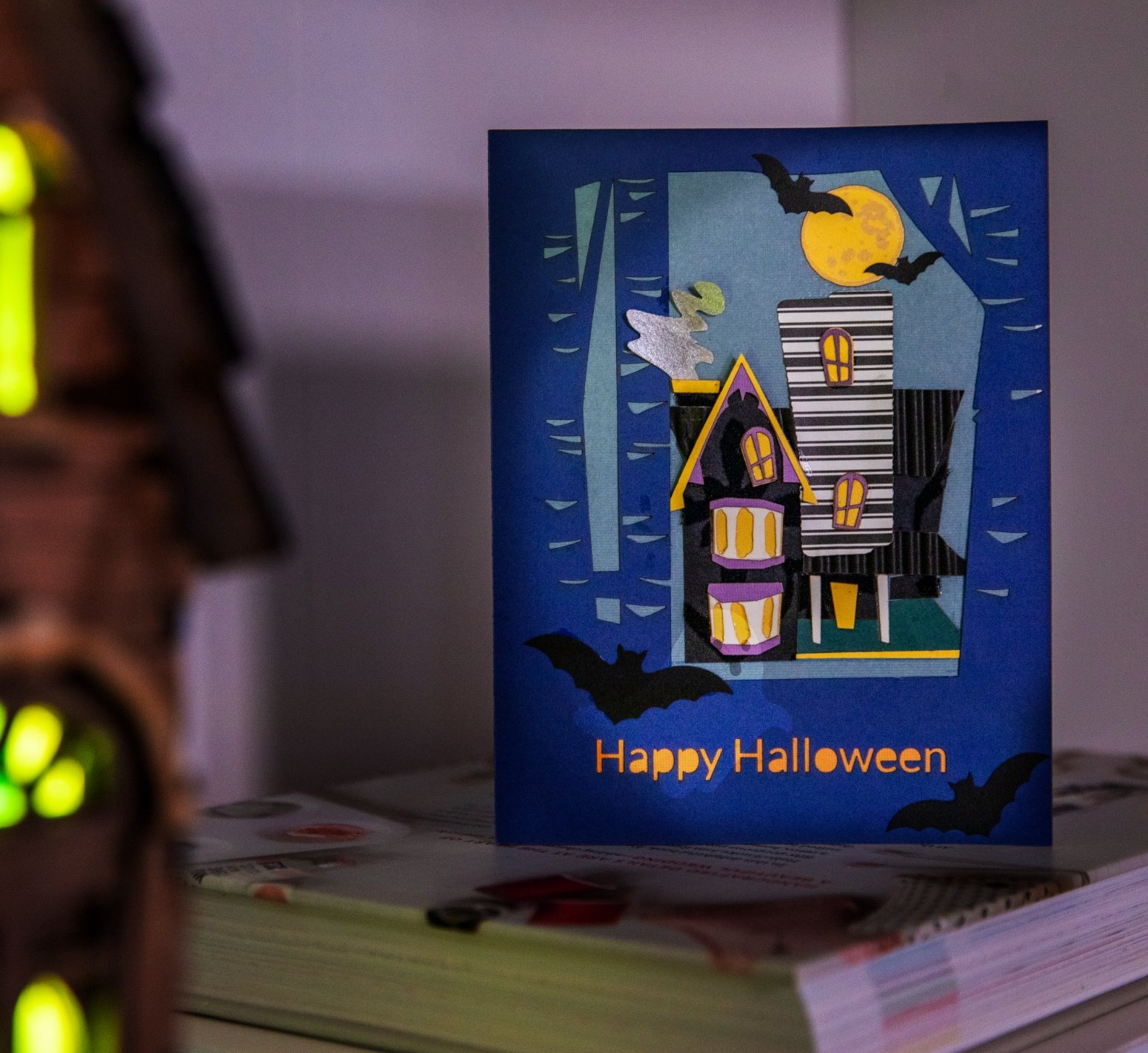
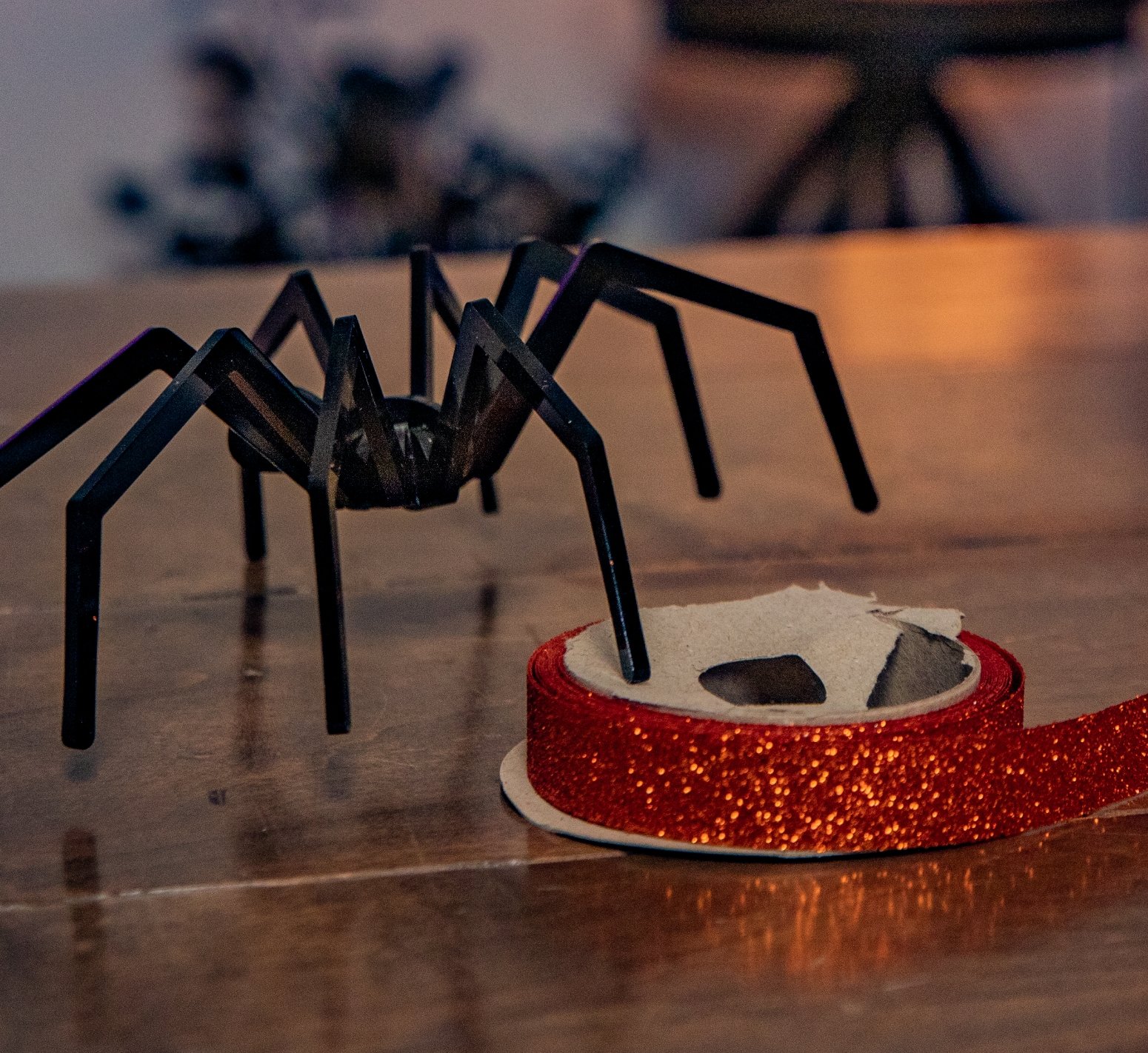
What will you create with Glowforge this spooky season?
What will you create with Glowforge this spooky season?
What will you create with Glowforge?
Swipe to see more ⭤

Go from inspiration to creation

1. Find your inspiration
Explore design ideas from our community, or choose from thousands of projects in the Glowforge Catalog.

2. Choose your material
Select wood, leather, metal, stone, or even chocolate to bring your project to life.

3. Design your way
Click and print thousands of designs, or drag and drop files from your favorite software.

4. Watch the magic
Press the button on your Glowforge, then watch as the laser brings your ideas to life.

5. Celebrate!
Gift your print to a friend, start a side hustle, or upgrade your home decor with your creations.
Go from inspiration to creation
Go from inspiration to creation
1. Find your inspiration
Explore design ideas from our community, or choose from thousands of projects in the Glowforge Catalog.
2. Choose your material
Choose from hundreds of materials to cut, engrave, or score your next project.
3. Design your way
Import a project, design from scratch, or choose then personalize a print from the Catalog.
4. Watch the magic
Press the button on your Glowforge, then watch as the laser brings your ideas to life.
5. Celebrate!
Gift your print to a friend, start a side hustle, or upgrade your home decor with your creations.
Powerful tools for every creator
Powerful tools for every creator
Whether you’re creating projects in the classroom, products in your workshop, or prints at home, Glowforge has the laser you need.
Whether you’re creating projects in the classroom, products in your workshop, or prints at home, Glowforge has the laser you need.

Made for making
Made for making
Glowforge's powerful lasers precisely cut, engrave, and score hundreds of different materials.
Glowforge's powerful lasers precisely cut, engrave, and score hundreds of different materials.

Laser power & precision

Compatible with your Mac, PC, tablet or phone

1000s of customizable premade designs

Safe for crafting at home or in the classroom

Simple setup in minutes

12 month worry-free warranty

Laser power & precision
Compatible with your Mac, PC, tablet or phone
1000s of customizable premade designs
Safe for creating at home or in the classroom
Simple setup in minutes
12 month worry-free warranty
Performance Lasers
For businesses, entrepreneurs, and educators – our fastest, most powerful lasers
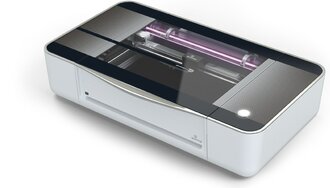
Glowforge Pro HD (shown) Glowforge Pro, Plus HD, and Plus

40-45 watt CO2 laser

Up to 12x faster top speed

Cutting area 12" x 20" Passthrough on Pro
$2,249 - $7,999
As low as $125/month with our
financing options
Craft Lasers
Take your crafting to the next level with
the world's first Craft Laser
TM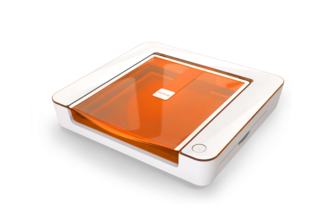
Glowforge Aura (shown) Glowforge Spark

6 watt Diode laser
Avoid white, clear and blue acrylic

Up to 2x faster top speed

Cutting area 8-12" x 12" Passthrough on Aura
$899 - $999
As low as $23/month with our
financing options
Performance Lasers
For businesses, entrepreneurs, and educators – our fastest, most powerful lasers
Glowforge Pro HD (shown) Glowforge Pro, Plus HD, and Plus
40-45 watt CO2 laser
Up to 12x faster top speed
Cutting area 12" x 20" Passthrough on Pro
$2,249 - $7,999
As low as $125/month with our
financing options
Craft Lasers
Take your crafting to the next level with
the world's first Craft Laser
TMGlowforge Aura (shown) Glowforge Spark
6 watt Diode laser
Avoid white, clear and blue acrylic
Up to 2x faster top speed
Cutting area 8-12" x 12" Passthrough on Aura
$899 - $999
As low as $23/month with our
financing options
The revolutionary features that set Glowforge apart.
Bring a new dimension to education
Used in 3,000+ schools
Make every class a hands-on learning experience. With Glowforge’s integrated design tools & ready-to-use classroom projects, your students can turn their creative ideas into 3D reality. Learn more about bulk pricing for educators, and how others are aligning Glowforge curriculum with their state standards.
Unlimited creativity
Choose any laser-safe materials for your creations, including the option to use Glowforge Proofgrade Materials for perfect prints every time.
For optimal results with Glowforge Aura and Spark, use thin Proofgrade materials other than clear, white or blue acrylic
Perfect prints every time
Create with hundreds of materials including our Proofgrade® collection, designed to work perfectly with Glowforge!
Explore materialsPowerful tools for every creator
Powerful tools for every creator
Whether you’re creating projects in the classroom, products in your workshop, or prints at home, Glowforge has the laser you need.
Whether you’re creating projects in the classroom, products in your workshop, or prints at home, Glowforge has the laser you need.
What will you create with Glowforge?
What will you create with Glowforge?
Swipe to see more ⭤