
Posted by
marmak3261
Kirksville, Missouri
Joined Oct 14, '15
Sister-in-Law was leaving and hadn’t gotten anything printed for her. She doesn’t have pierced ears and I wanted to try something else so asked her for suggestions. I had promised a scarf clasp to another sister-in-law so I thought this would a good time to try it out. Started with a photo of a ginko leaf and then traced and prepared the file. Felt comfortable enough to prepare a file from scratch in Inkscape this morning and import it into the UI. Just remembering to convert to path and to get the fills and strokes correct. A little difference command and there it is. Start with a base layer of photo. Add second layer for engrave, third for through cut and final score layer. The GFUI brings it in just fine and makes a differentiation so you can click what get what operation you desire.
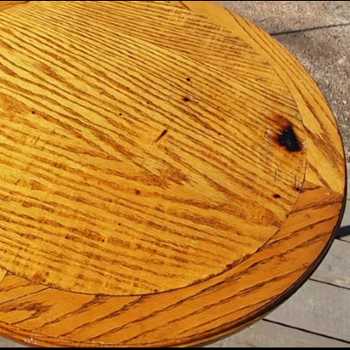
Edited image to have a band of finished surface wood or whatever material around the circumference. Tweaked the cutouts a bit for the engrave.

Here is the svg:

[right clicky to save as …]
Here is the file. Note three colors. One black for engrave.
Green is vector cut through.
Red is vector score.
Black is going to be light engraved.
Screen capture of process to be uploaded later along with printing demo and finished files. That’s this evening. I’m heading to the woods.
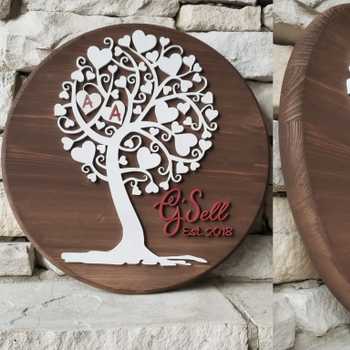
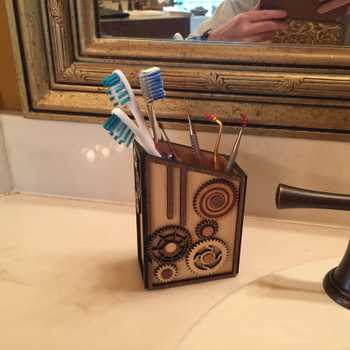
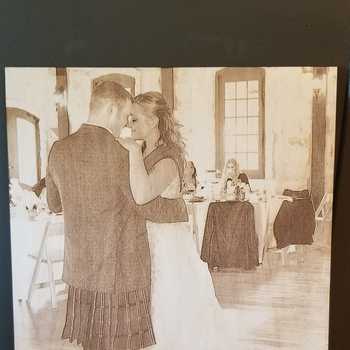
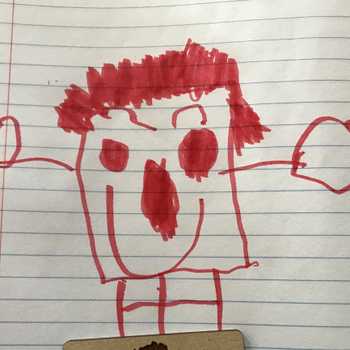

Start with an idea. Create your design. Hold something in your hand you only imagined an hour ago. Glowforge makes that possible.

From idea to design to creation. No matter what you want to make your Glowforge can help you make it happen.